The Murph Workout: Full Guide, Scaling and Pacing
Updated October 7, 2026 · 7 minute read
Murph is one of the hardest bodyweight workouts there is: a mile run, 600 reps, and another mile run. This guide covers where it comes from, how to split the reps so you can finish, how to scale it, and how to pace it.
What is the Murph workout?
Murph is done in this order, for time:
| 1 | 1 mile run (1.6 km) |
|---|---|
| 2 | 100 pull-ups |
| 3 | 200 push-ups |
| 4 | 300 air squats |
| 5 | 1 mile run |
| Optional | Wear a weight vest the whole time, traditionally 20 lb (9 kg) |
The two runs are done straight through. The 600 reps in the middle can be split up any way you like, as long as all the pull-ups, push-ups and squats are done before the second run starts.
Where Murph comes from
The workout is named after Navy SEAL Lieutenant Michael P. Murphy, who was killed in Afghanistan on June 28, 2005, and was later awarded the Medal of Honor. He called this workout "Body Armor" and did it wearing his vest. It became a CrossFit Hero workout in his memory, and many gyms around the world now do it together every Memorial Day.
How to split the 600 reps
Almost nobody does 100 pull-ups in a row. Splitting the middle into small rounds keeps every muscle group fresh and makes the workout far easier to pace. The most popular splits:
- 20 rounds of 5 pull-ups, 10 push-ups, 15 squats. The classic split. Each round takes about a minute or two.
- 50 rounds of 2 pull-ups, 4 push-ups, 6 squats. Smaller sets, more rounds. Good when push-ups are your weak point, because you never get deep into fatigue.
- Straight through. All 100 pull-ups, then 200 push-ups, then 300 squats. The hardest way to do it, and the way it was first written.
Whatever split you pick, keep the same ratio: 1 pull-up to 2 push-ups to 3 squats.
How to scale Murph
Murph is a long workout, and finishing it with good form beats racing it with bad form. If the full version is too much today, scale it:
- Half Murph. Half a mile, 50 pull-ups, 100 push-ups, 150 squats, half a mile.
- No vest. Do the vest only after you can finish unweighted comfortably.
- Easier pull-ups. Band assisted pull-ups, jumping pull-ups, or ring rows.
- Easier push-ups. Hands on a bench or box, or from your knees.
- Swap the run. Row 2,000 m or bike instead if running hurts.
Pacing tips
- Go easy on the first mile. It is only a warm up. Arriving at the pull-up bar out of breath costs you minutes later.
- Pick small sets before you need them. Stopping before failure, every time, is what keeps you moving.
- Push-ups are where most people stall. If yours start falling apart, make the sets smaller rather than resting longer.
- Short, planned rests. A fixed 10 seconds between rounds keeps you honest. Long, random breaks add up fast.
- Drink and eat beforehand. Most people take between 45 and 75 minutes. Beginners can take longer, and that is fine.
How to do Murph with RankTime
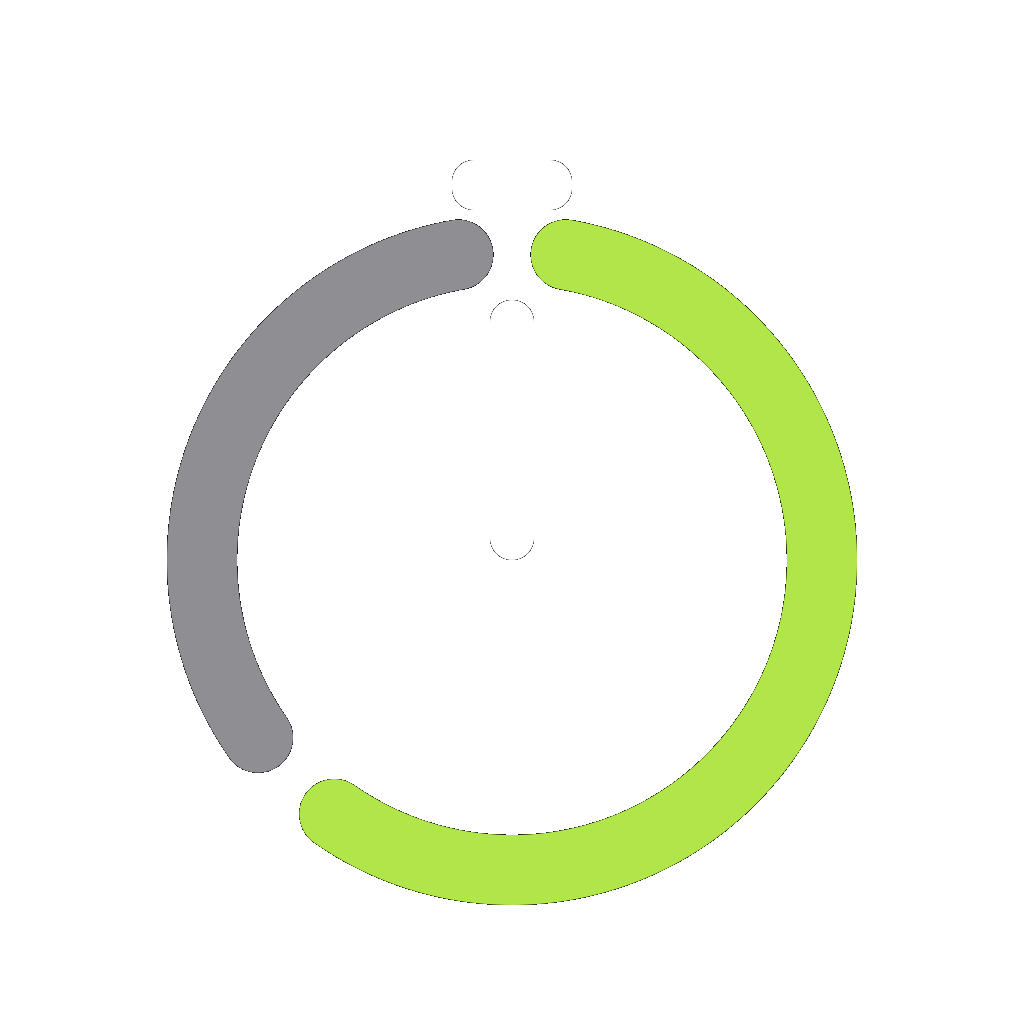
RankTime ships with Murph built in. Open the app, swipe to REPS mode and pick the MURPH preset. The ring shows all 600 reps before you press play, split into 50 rounds of 2 pull-ups, 4 push-ups and 6 squats, with a short rest between sets.
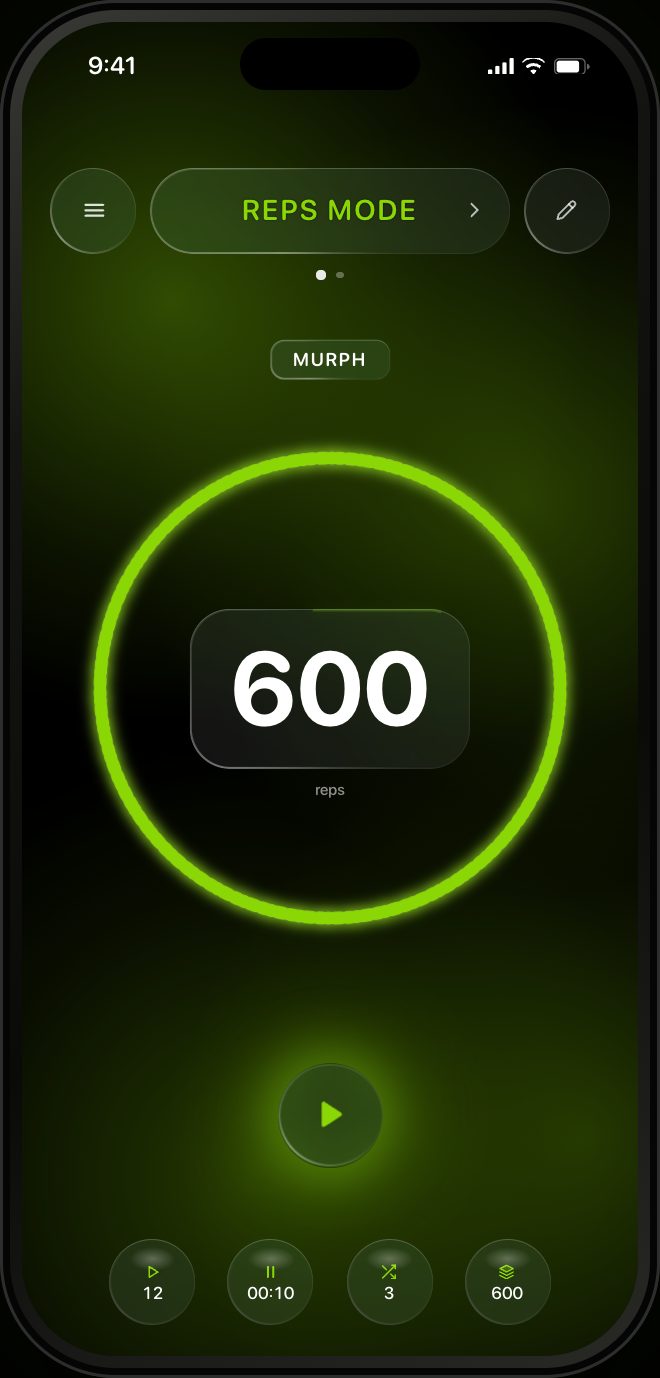
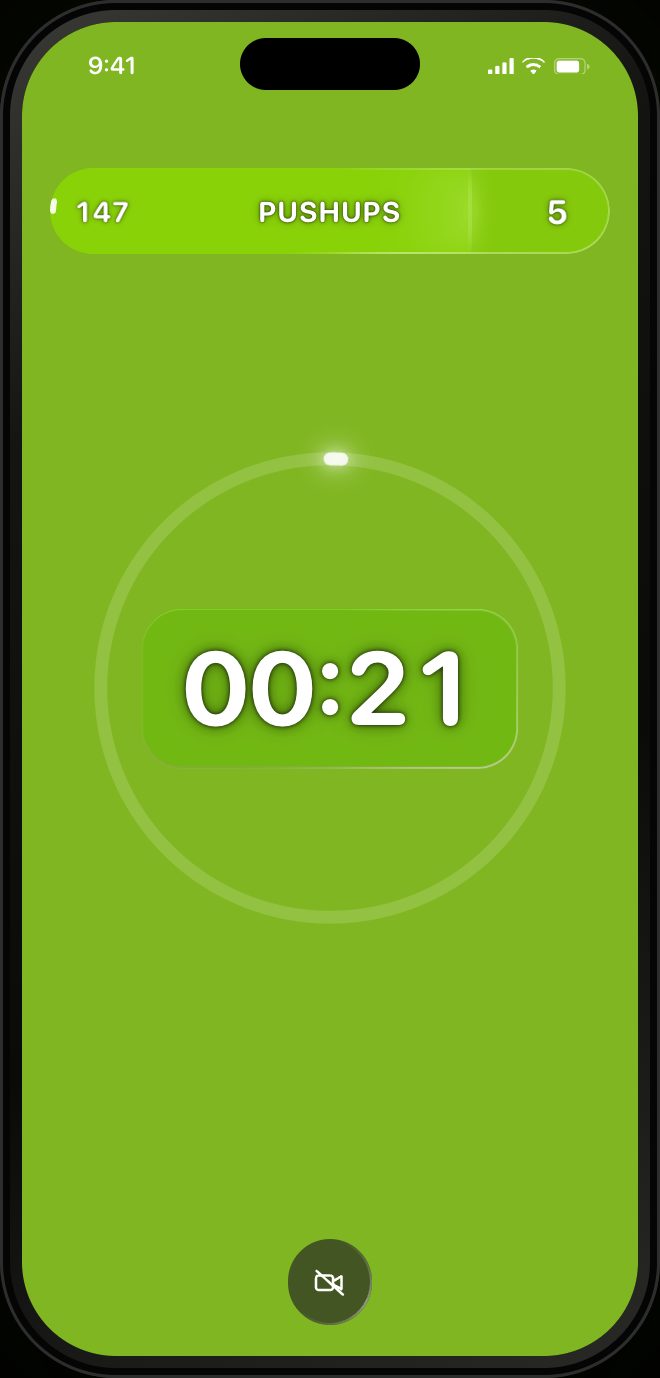
Here is how it works:
- Run your first mile, then put the phone where it can see you.
- Press play. After a short get ready countdown, the app tells you which exercise is next and how many reps are in the set.
- Let the camera count. Pull-ups, push-ups and squats come trained out of the box, so the camera counts every rep on the phone itself. Nothing is uploaded.
- Rest when it says rest. The screen turns grey between sets, then lime when it is time to go again.
- Finish and run. When the ring is full, head out for the last mile. The workout is saved to your history and to Apple Health.
Want the classic 5, 10, 15 split instead? Tap the reps per set circle at the bottom and change it. Every rep you log also counts toward your rank, so each Murph moves you up the ladder.
Do Murph with RankTime
Built in Murph preset, camera rep counting, heart rate, and a military rank that grows with every rep. RankTime is in App Store review and coming soon to iPhone.