EMOM Workout: What It Means and How to Do It
Updated October 7, 2026 · 6 minute read
EMOM stands for every minute on the minute. It is one of the simplest ways to structure a workout, and one of the most honest: the clock decides when you start, and how fast you work decides how much rest you get.
How an EMOM works
At the start of every minute, you do a set number of reps. When you finish, you rest until the next minute begins. Then you go again.
| Example | 10 push-ups every minute for 10 minutes |
|---|---|
| If your set takes 20 s | You rest 40 s |
| If your set takes 45 s | You rest only 15 s |
| Total | 100 push-ups in 10 minutes |
The faster you move, the more you rest. As you tire, your sets slow down and your rest shrinks, so the workout gets harder on its own without you changing anything.
Why EMOM works so well
- Built in pacing. You cannot start too fast and burn out, because the clock holds you back until the next minute.
- Lots of quality reps. Small sets with rest in between let you do more total work with good form than one long set.
- Easy to track progress. Same EMOM next week with one more rep per minute, or two more minutes, and you know exactly how much you improved.
- Fits any exercise. Bodyweight, kettlebells, barbells, even skill work like pull-up practice.
How to pick the right number of reps
The rule of thumb: your set should take 20 to 40 seconds, leaving at least 20 seconds of rest. If you cannot finish a set inside the minute, the reps are too high. Drop them and keep going rather than stopping.
A simple starting point is about half of what you can do in one all out set. If your max is 20 push-ups, start an EMOM at 10.
Sample EMOM workouts
Beginner, 10 minutes
Every minute: 10 air squats. That is 100 squats, done with plenty of rest.
Alternating, 12 minutes
Odd minutes: 8 push-ups. Even minutes: 12 squats. Six rounds of each, and each muscle group gets two minutes between sets.
Pull-up builder, 20 minutes
Every minute: 2 to 5 pull-ups. Small, crisp sets add up to 40 to 100 pull-ups, more than most people manage any other way.
Three move, 15 minutes
Minute 1: 10 kettlebell swings. Minute 2: 10 push-ups. Minute 3: 15 squats. Repeat 5 times.
EMOM vs Tabata vs AMRAP
- EMOM: fixed reps each minute, rest is whatever is left over.
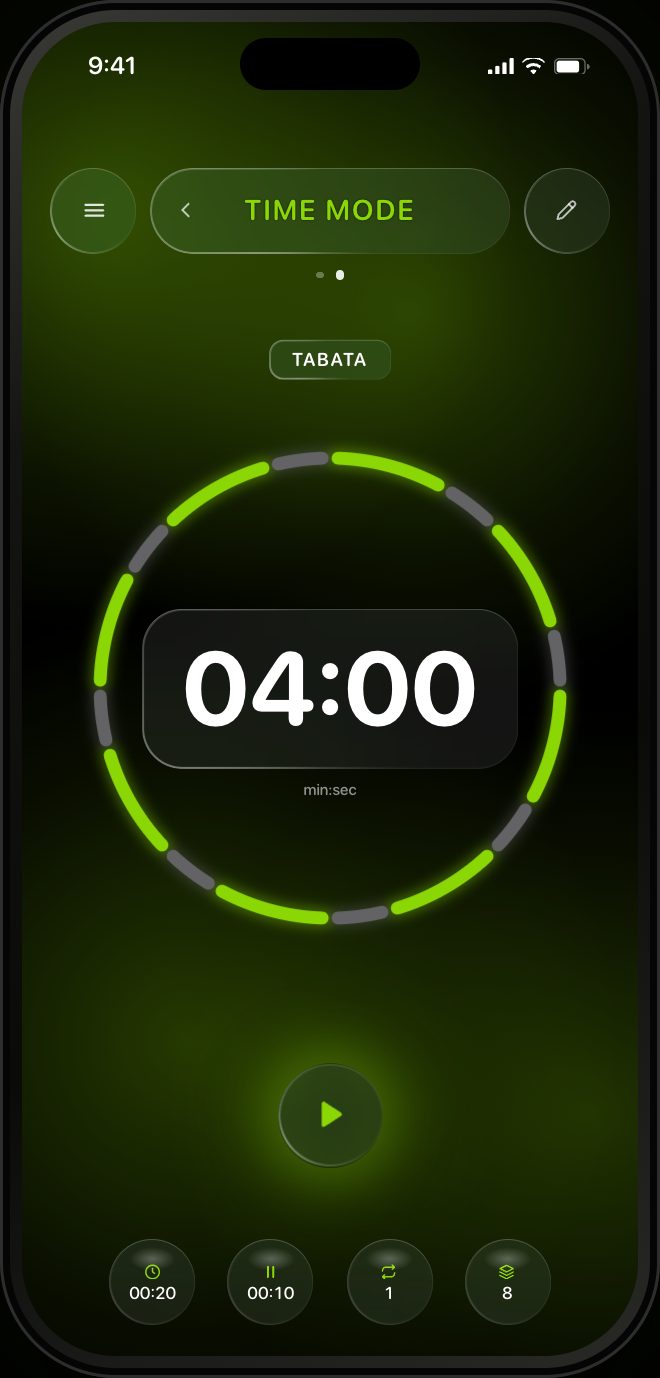
- Tabata: fixed time, 20 seconds of work and 10 of rest, as many reps as you can. See our Tabata guide.
- AMRAP: as many rounds or reps as possible in a set time, with rest only when you choose.
How to do an EMOM with RankTime
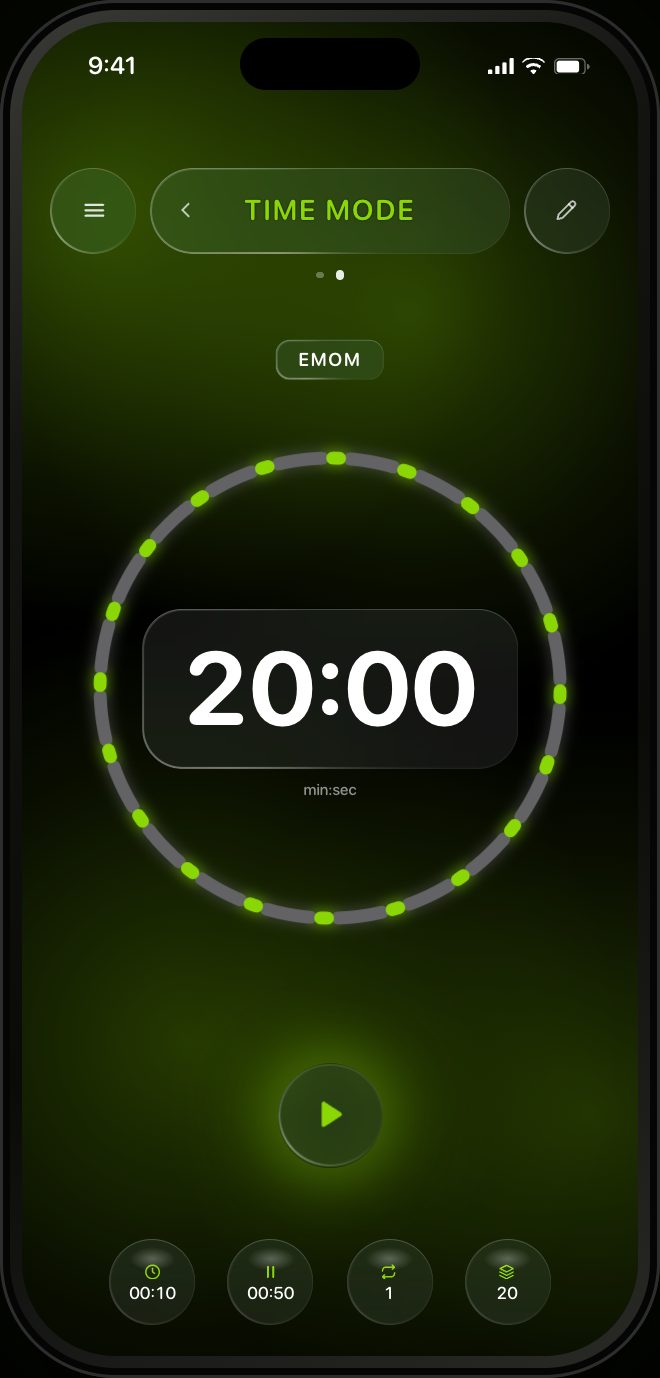
RankTime ships with an EMOM ready to go. Open the app in TIME mode and swipe to the EMOM preset: 20 rounds of one minute each, 20:00 total. Each minute starts with a 10 second work signal followed by a 50 second rest window, and the ring shows all 20 minutes before you press play.
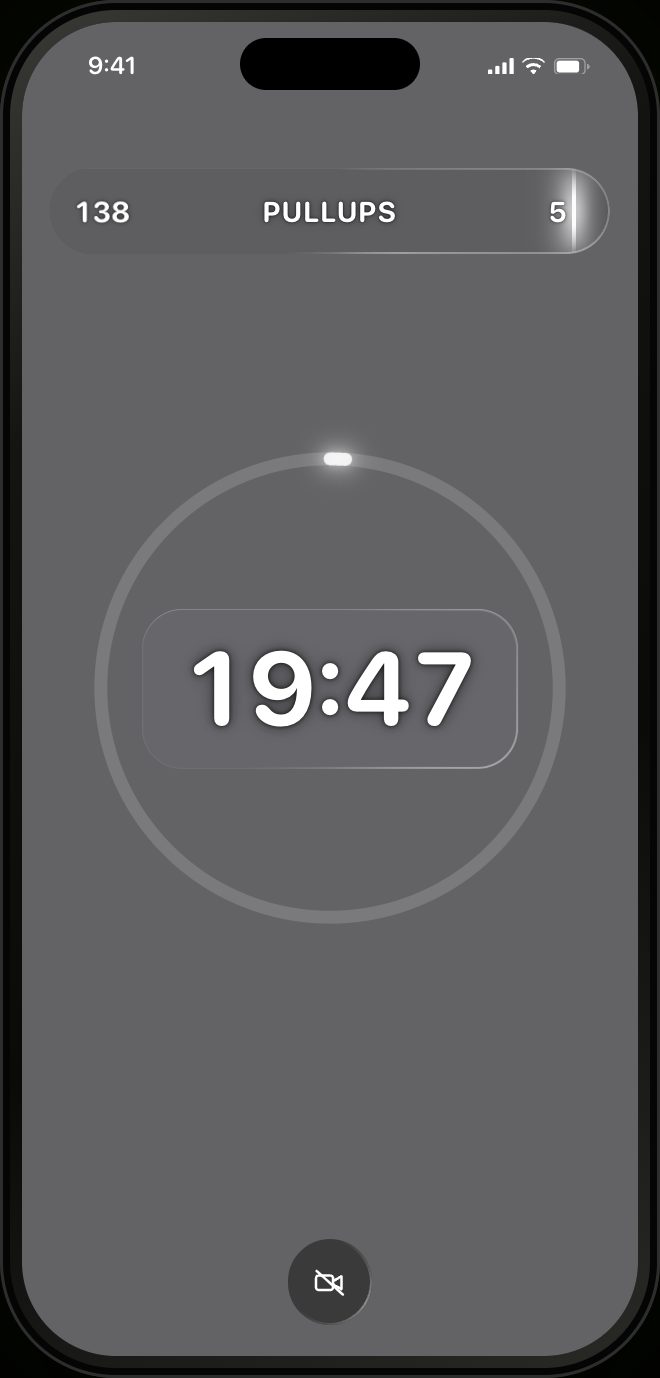
- Set the work time to match your set. If your reps take about 25 seconds, set work to 25 and rest to 35. The round still adds up to one minute.
- Press play. A short get ready countdown, then the first minute begins.
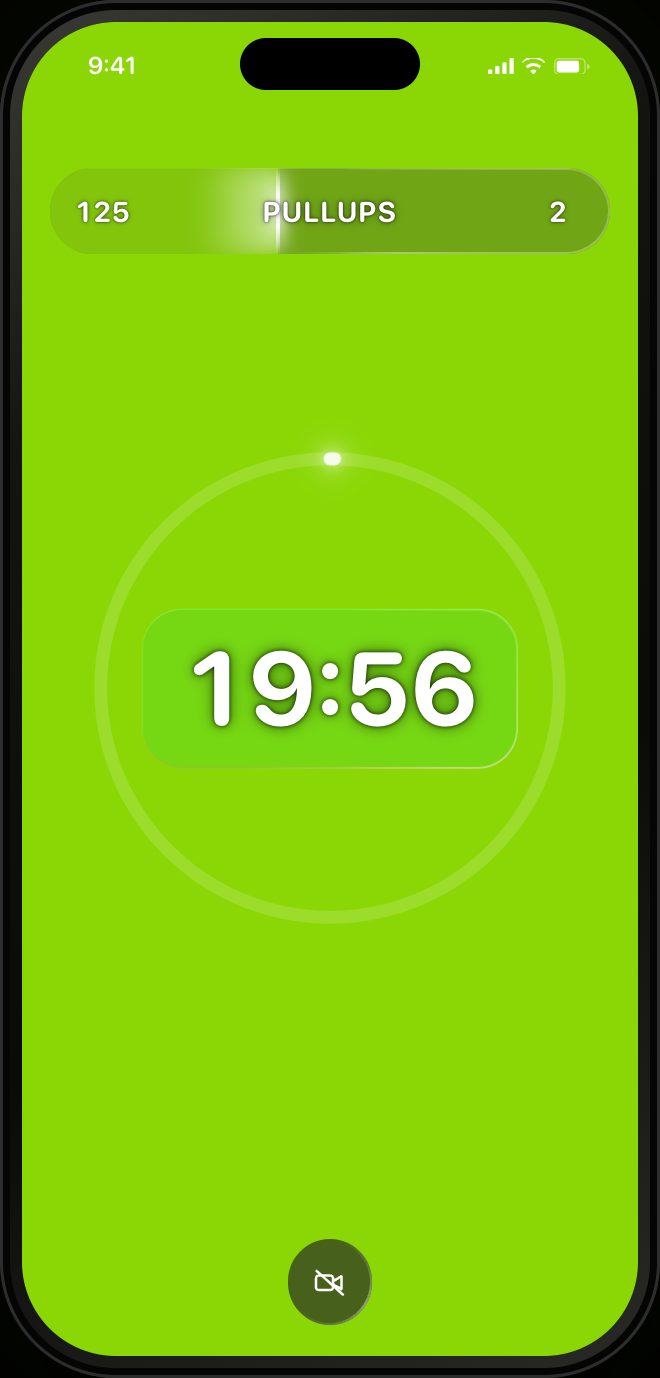
- Go when the screen turns lime. Sound and vibration cue every change, so you never have to watch the clock.
- Rest when it turns grey. The big timer counts down the whole workout, and the pill at the top shows your heart rate on the left and your reps on the right.
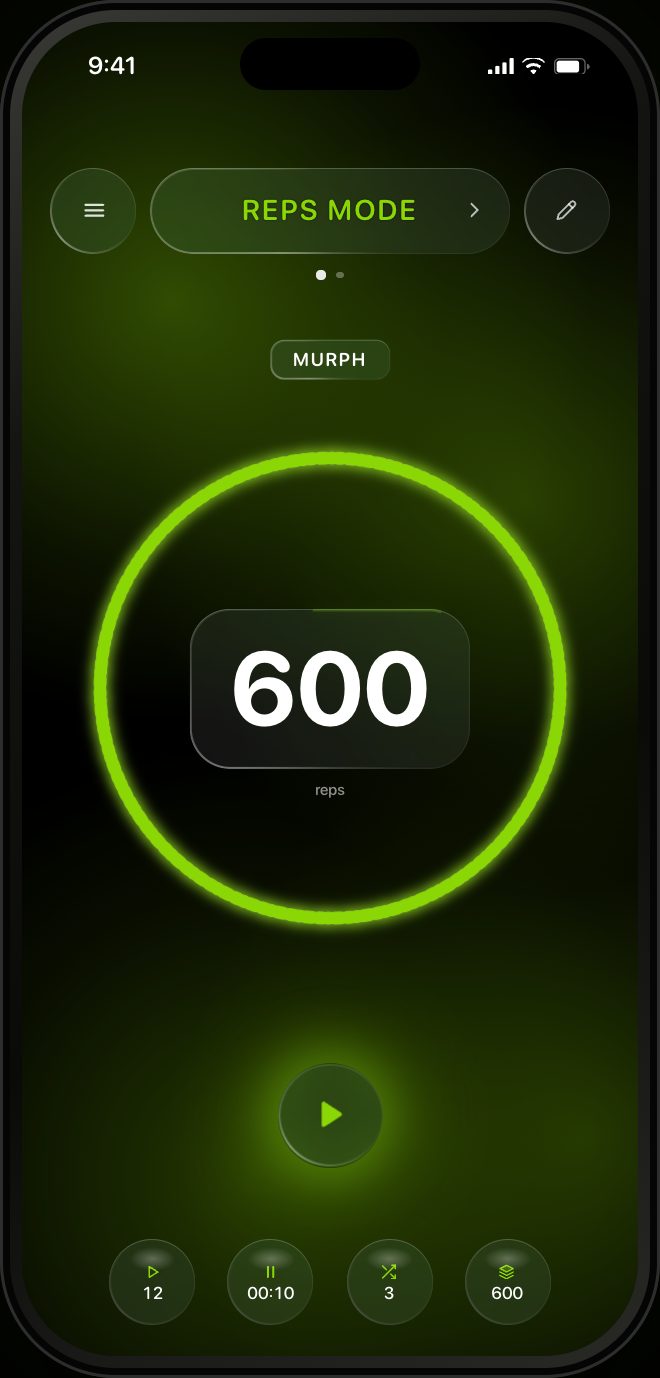
Prefer counting reps instead of seconds? Switch to REPS mode, give each exercise a rep target, and the camera counts every rep for you.

Run your EMOM with RankTime
EMOM preset built in, full screen color cues, camera rep counting, heart rate, and a military rank that grows with every workout. RankTime is in App Store review and coming soon to iPhone.